Drive
Push signal into the clipping curve to shape transients and density.

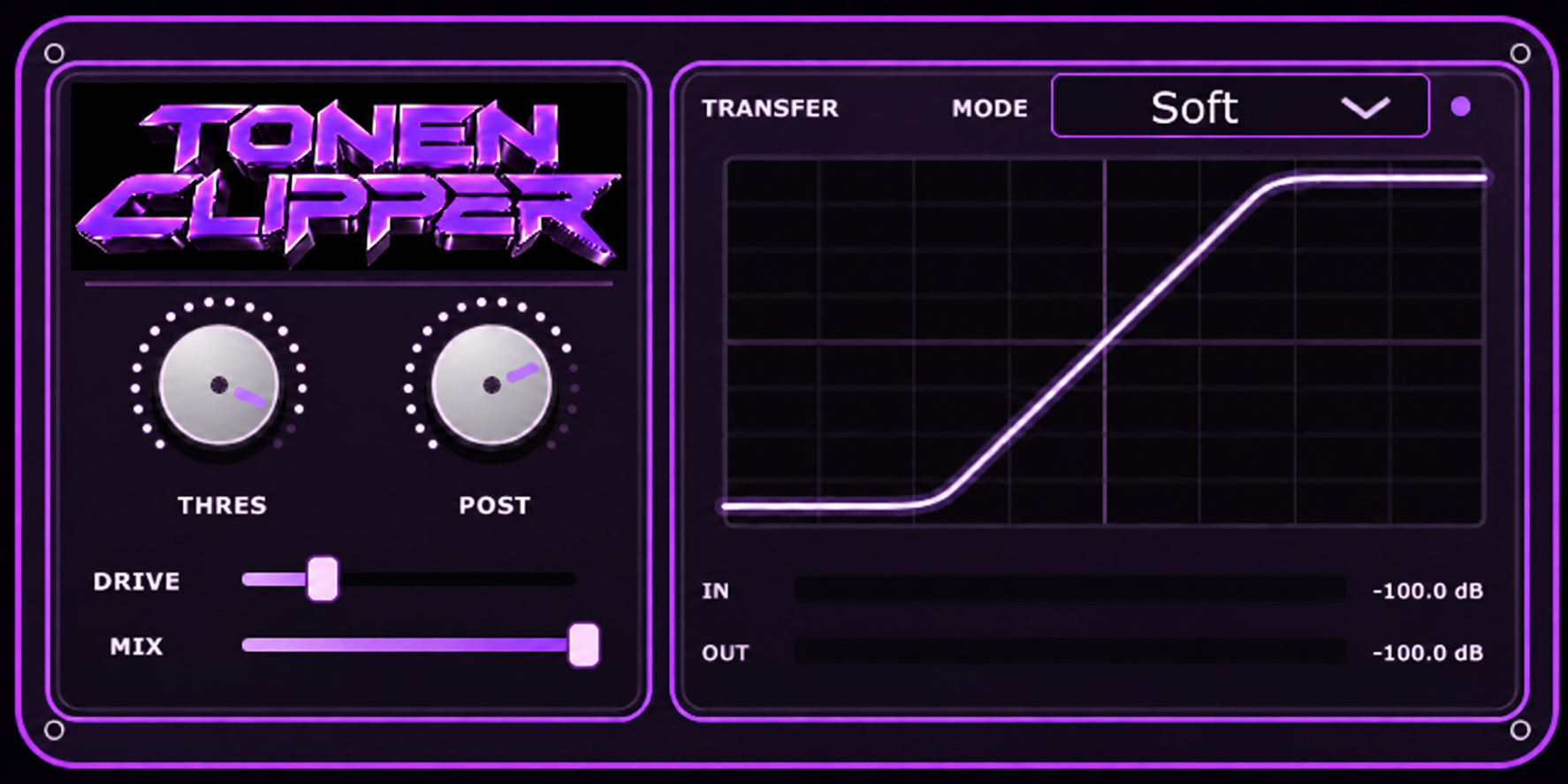
Tame fast peaks, add density, and keep the level under control. A clear transfer curve makes the clipping shape easy to see.
WINDOWS · VST3 / macOS · AU + VST3
Push signal into the clipping curve to shape transients and density.
Set where the signal meets the clip curve.
Adjust the output level after clipping to balance the result.
Blend clipped and original signal for parallel control.
Choose a Soft, Hard, Tube, or Asym clipping response.
See the transfer shape update as you change the mode and threshold.
One shot of the Spinz 808 sample, with no added drums. The processed side is an illustrative render; the plugin’s actual sound depends on your source and settings.
Spinz 808 · one shot
Soft clipping · added drive