Distortion + clipper
Two tabs bring distortion and clipping into one plugin.

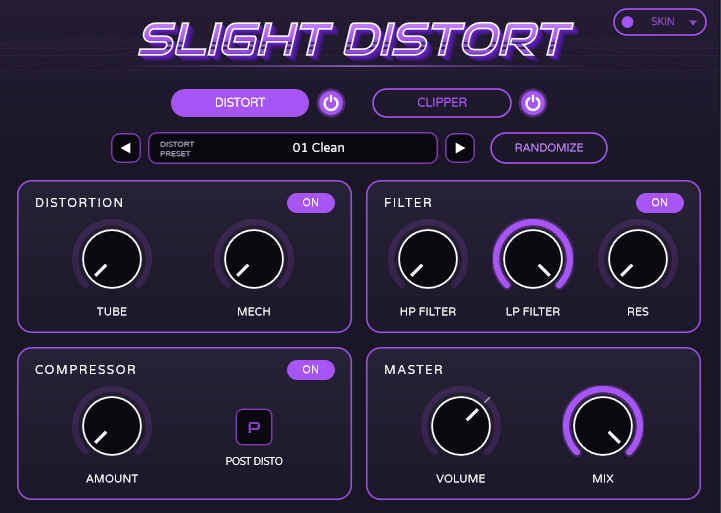
Distortion and clipping, together. Two dedicated tabs let you shape your sound in one plugin. Choose from 17 skins to match your session.
VERSION 3.2.1 · WINDOWS / MACOS / LINUX
One ZIP includes all three platforms. Extract it and install only the bundles for your system.
Two tabs bring distortion and clipping into one plugin.
Choose classic colours, chrome finishes or art skins including Bone, Racing Brass and Cobalt Glass.
Windows VST3, macOS VST3 and Audio Unit, plus Linux VST3 and LV2.
C:\Program Files\Common Files\VST3.~/Library/Audio/Plug-Ins/VST3/, or the Audio Unit bundle into ~/Library/Audio/Plug-Ins/Components/. These builds are ad-hoc signed and not notarized; see the included README for setup details.~/.vst3/, or the LV2 bundle into ~/.lv2/. Requires glibc 2.35 or newer.Full platform-specific instructions are included in the download.